E-commerce
Thank you! Your submission has been received!
Oops! Something went wrong while submitting the form.
How to remove or modify quantity in the cart ?
Last update:
12 mai 2026
Want to remove an item from your cart? No problem, just follow these steps! 😊
1. On Mobile:
- Tap on your cart from the "Shop" section.
- Swipe the item in your cart to the left to change its quantity.
- Once the desired quantity is displayed, you can proceed to checkout! 😊
Please click on the video bellow for a full tutorial 😉
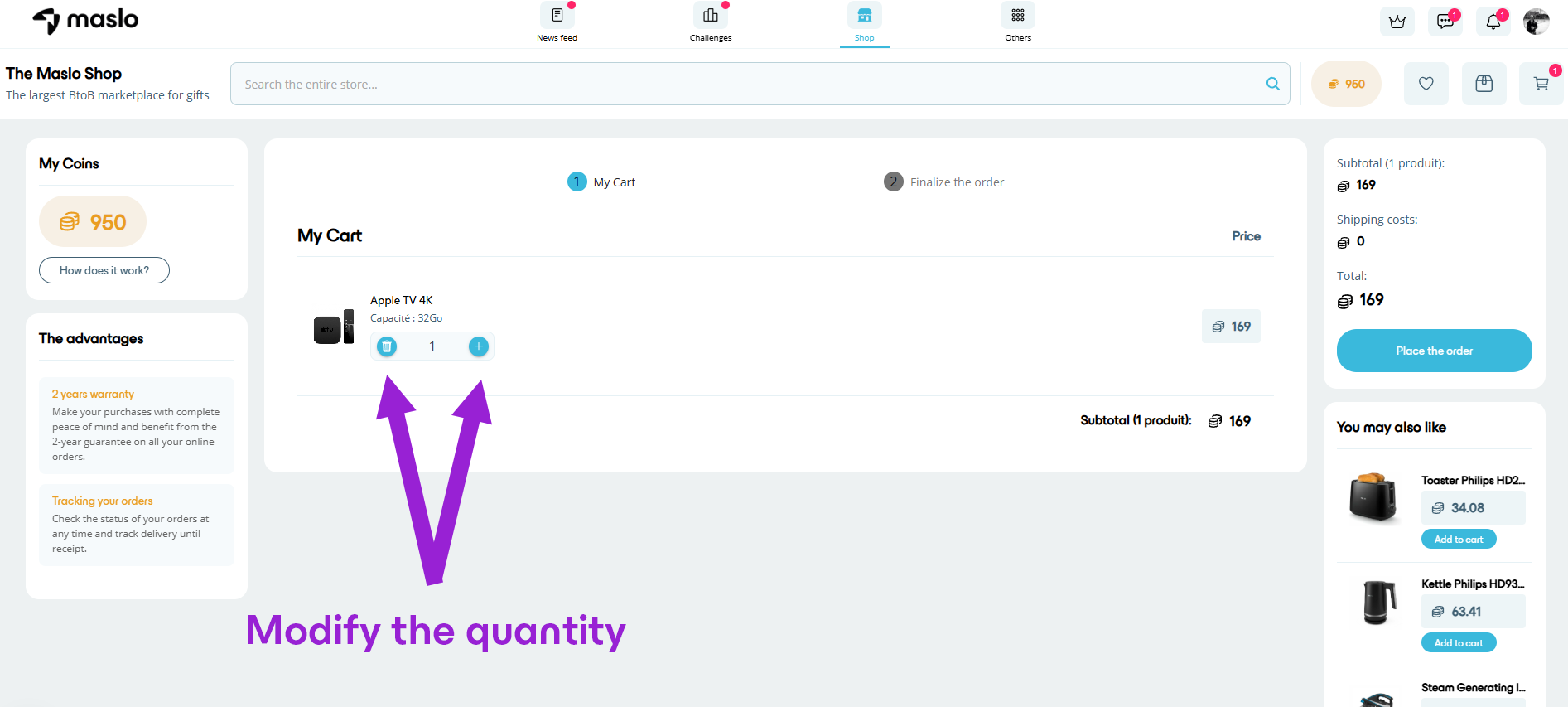
2. On Web:
- Tap on your cart from the "Shop" section.
- Click on the quantity + or - to modify your cart
- Once the desired quantity is displayed, you can proceed to checkout! 😊